
Environment Variables (API KEY)
Codepup AI gives you a secure way to store, view, and update your project’s API keys and secrets - directly from the project interface, without touching any code.
Whether you entered the wrong Stripe key, want to rotate your Resend API key, or need to update any environment variable, you can do it in seconds from the Key tab.
Stripe API Key Resend API Key Any Environment VariableWhat Are Environment Variables?
Section titled “What Are Environment Variables?”Environment variables are secret values your project uses to connect to external services - like Stripe for payments or Resend for emails. They are stored securely on the server and never exposed in your frontend code or the browser.
Examples of environment variables in Codepup AI:
| Variable | What It’s For |
|---|---|
| Stripe API Key | Connects your project to Stripe for payment processing |
| Resend API Key | Connects your project to Resend for sending emails |
| Other secrets | Any additional API keys your project requires |
How to Open the Key Tab
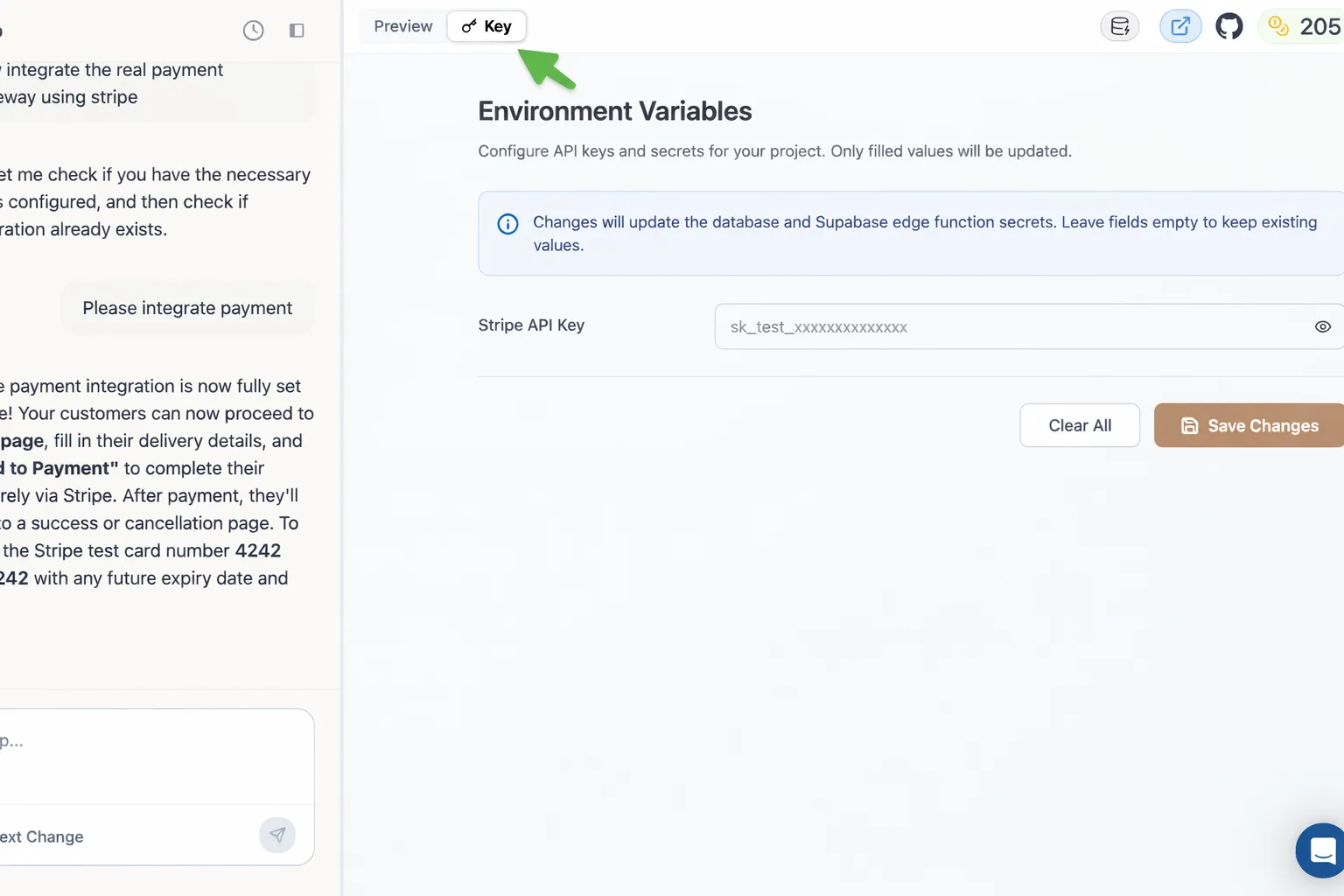
Section titled “How to Open the Key Tab”The Key tab is available directly inside your Codepup AI project interface - right next to the Preview tab in the top toolbar.
- Open your Codepup AI project
- Click the 🔑 Key tab in the top toolbar
- The Environment Variables panel opens on the right side
Understanding the Environment Variables Panel
Section titled “Understanding the Environment Variables Panel”Once the Key tab is open, you will see the Environment Variables panel with:
- A notice at the top reminding you that only filled values will be updated - leaving a field empty keeps the existing value intact
- An info banner confirming that changes update both the database and Supabase edge function secrets
- Input fields for each environment variable (e.g. Stripe API Key)
- A Clear All button to wipe all fields
- A Save Changes button to apply your updates
How to Update an API Key
Section titled “How to Update an API Key”This is the flow you will follow any time you need to add or update a key - whether you entered the wrong one, want to rotate it, or are switching from test to live.
Step 1 - Open the Key Tab and Enter Your New Key
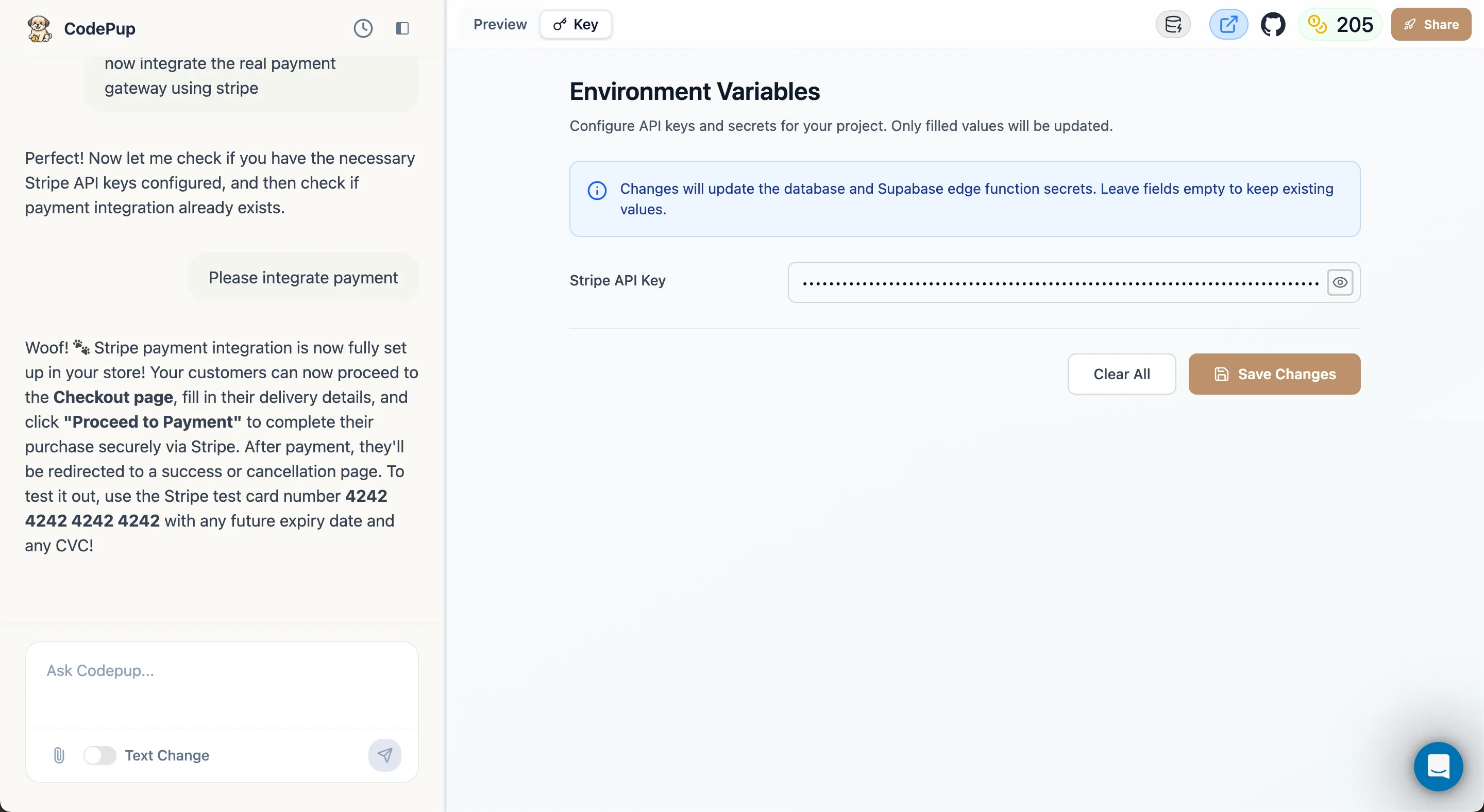
Section titled “Step 1 - Open the Key Tab and Enter Your New Key”Click the Key tab and enter your new API key in the relevant field. For example, paste your Stripe Secret Key into the Stripe API Key field.
Step 2 - Click Save Changes
Section titled “Step 2 - Click Save Changes”Once your new key is entered, click the Save Changes button.
Step 3 - Wait for the Saving State
Section titled “Step 3 - Wait for the Saving State”After clicking Save Changes, the button briefly shows a Saving… loading state while Codepup AI securely stores your key in the Supabase edge function secrets.
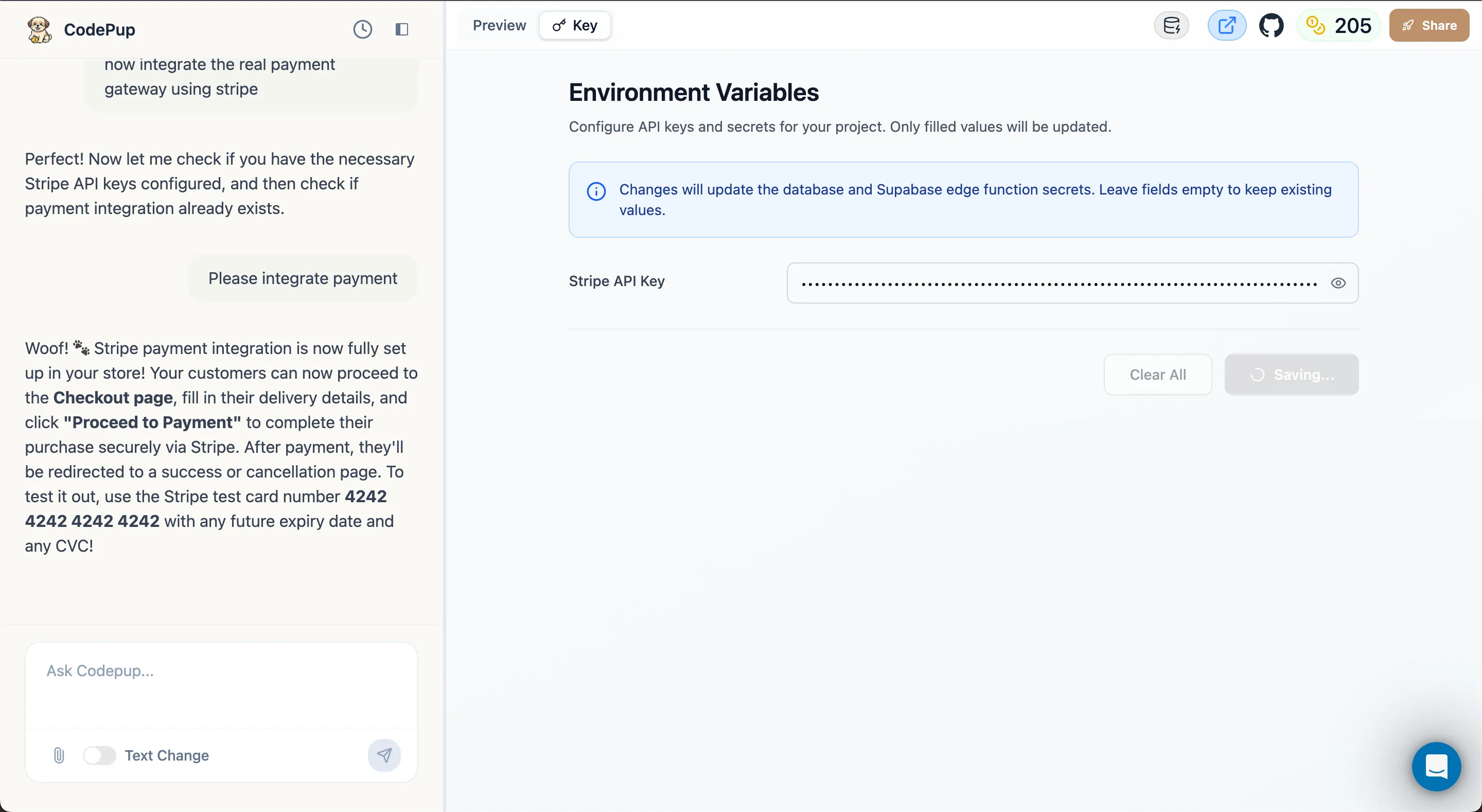
This usually takes just a second or two.
Step 4 - Key Saved Successfully
Section titled “Step 4 - Key Saved Successfully”Once saving is complete, the Save Changes button returns to its default greyed-out state - confirming your key has been stored successfully and securely.
Your project is now using the updated key for all future requests.
How Keys Are Stored Securely
Section titled “How Keys Are Stored Securely”When you save an API key through the Key tab, Codepup AI stores it in Supabase Edge Function secrets - an encrypted, server-side secrets manager. This means:
- Your keys are never stored in your frontend code
- Your keys are never visible in the browser
- Your keys are never committed to any repository
- Only your project’s backend functions can access them at runtime
This is the same security standard used by professional development teams - Codepup AI handles it automatically so you don’t have to think about it.
When Should You Use This?
Section titled “When Should You Use This?”You will need to update your environment variables when:
- You entered the wrong API key during initial setup
- You want to rotate or refresh an existing key for security
- You are switching from test to live Stripe keys
- You need to add a new integration that requires an API key
- A key has expired or been revoked and needs replacing
Your keys are safe with Codepup AI 🐶🔑